
Court rentals
Let players browse your locations, choose a court and date, and select available hourly slots. Court photos and venue details help them decide where to play.
A booking system by Adzbyte Solutions
A pickleball court booking plugin for WordPress that brings court rentals, open play, coaching, and player accounts onto your venue’s website.
Give players a way to find their next game. Give your team a workspace to manage the courts, schedules, and bookings behind it.
A free preview is available for your venue. No payment needed to request one.
Current beta · Fictional demo venue · No real payments
Built around court operations
Dink Slot is designed for independent pickleball venues and clubs. The WordPress plugin runs on your venue’s site, with player booking pages and a separate workspace for your team.
Let players browse your locations, choose a court and date, and select available hourly slots. Court photos and venue details help them decide where to play.
Publish sessions with a set capacity. Players can reserve a seat or join a full session’s waitlist; owners can manage rosters and check-in.
Manage lesson offerings and coach hours alongside court availability. Shared scheduling checks court and coach conflicts across locations.
Players sign up with email and password, return to their booking history, and manage cancellations under the venue’s booking rules.
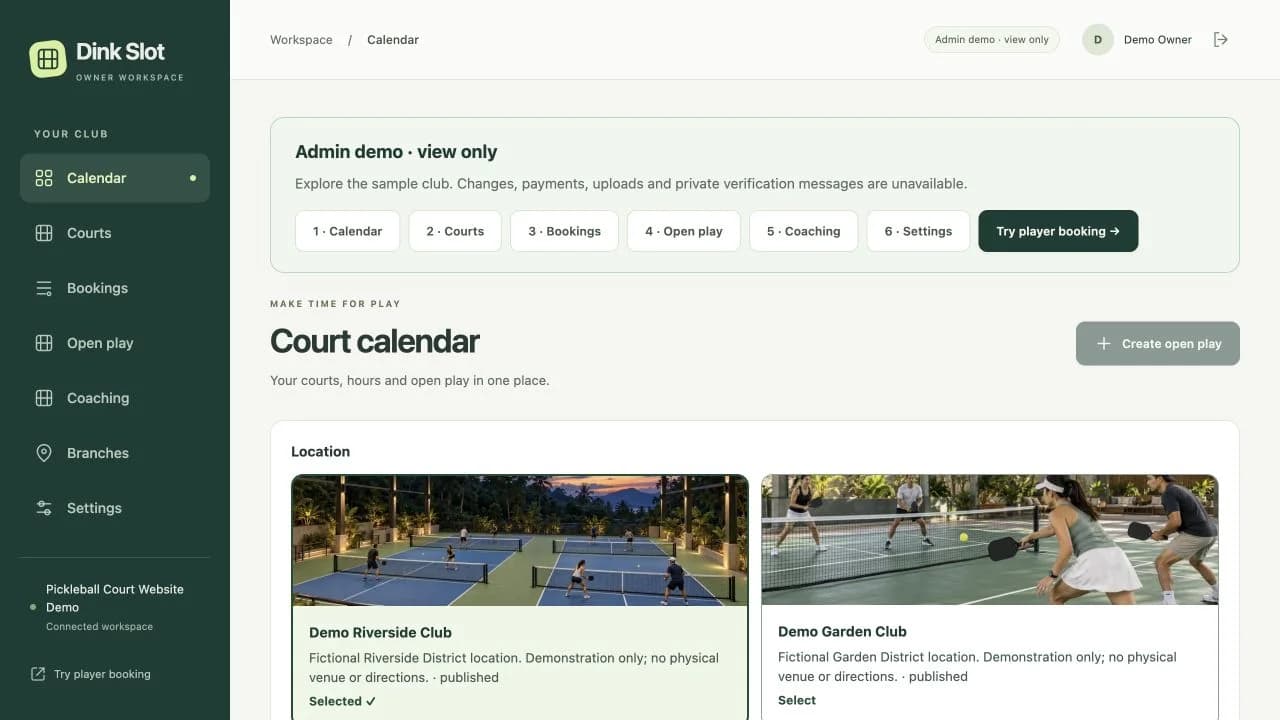
See court hours and scheduled activity in a dedicated workspace. Set weekly opening hours and date closures, and manage one location or multiple branches.
Configure rates, required contact details, and whether reservations need upfront payment. The beta includes pay at venue and manual payment review workflows.
These features are available in the current beta demonstration. Your venue’s setup and launch requirements are confirmed before live operation.
From player to owner
Players choose a venue location and browse court hours, open-play sessions, or coaching offerings on your website.
Players sign in to select available court slots or activity places. When an open-play session is full, they can join its waitlist.
Your team uses the owner workspace to review bookings, manage courts and hours, and handle activity rosters. Payment and cancellation rules follow the agreed venue setup.
Explore these flows in the fictional demo below. Live venue setup requires a review of your booking rules, hosting, and payment handling.
See both sides
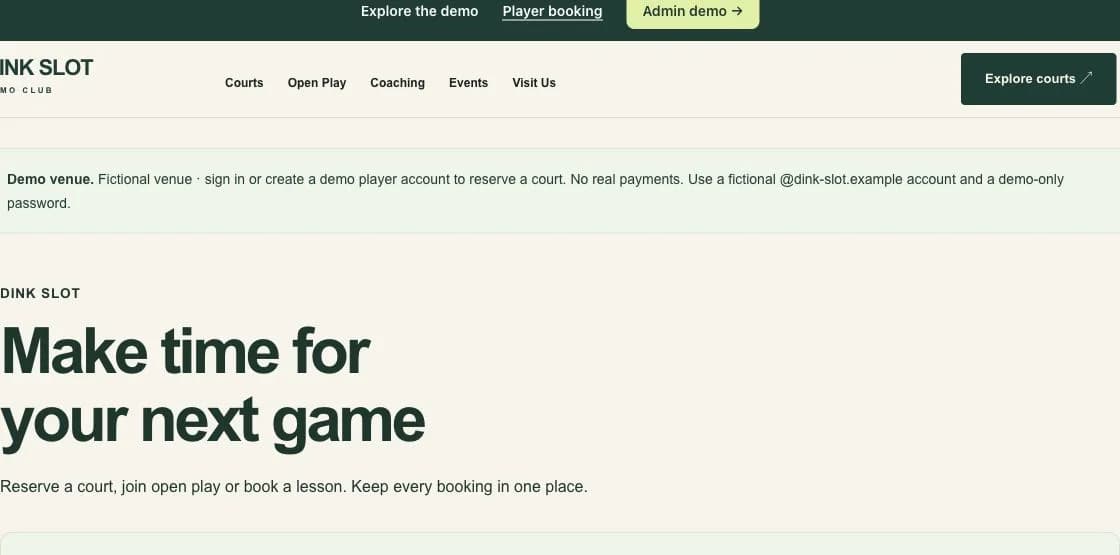
Browse courts and hours, open-play sessions, and coaching. Sign in with a fictional demo account to explore reservations.
Take a view-only tour of the calendar, courts, bookings, open play, coaching, and settings. No signup needed.
Use a fictional @dink-slot.example email and a demo-only password if you create a player account. The demo makes no real reservation and takes no real payment.
View the full demo website (opens in a new tab)Your venue, your setup
Pair Dink Slot with a venue website that introduces your courts, rates, programs, and location. Adzbyte Solutions can customize a demo design with your branding and supplied content, then configure the agreed booking setup.
Already have a WordPress website? We review the existing theme, plugins, and hosting before confirming how Dink Slot can fit. Learn about our WordPress website and plugin services.
See the pickleball website packageDink Slot, explained
Dink Slot is a pickleball booking system by Adzbyte Solutions, built as a WordPress plugin with player booking pages and a dedicated owner workspace. Its current beta covers court rentals, open-play seats and waitlists, coaching reservations, player accounts, and venue scheduling.
It is designed for independent pickleball court owners, clubs, and operators who want bookings on their own WordPress website. It supports a single location or multiple branches, with courts, hours, and activities managed in one owner workspace.
Dink Slot is a WordPress plugin, so its player booking pages and owner workspace can be configured on a venue’s WordPress website. Adzbyte Solutions reviews your hosting, theme, plugins, courts, and booking rules before agreeing on the setup. It is currently available through the pickleball website package, rather than as a standalone plugin purchase.
Yes. The public demo includes a player booking flow and a view-only owner tour. You can browse activities without an account. To explore a reservation, use a fictional @dink-slot.example email and a demo-only password. The owner tour requires no signup. All venues and bookings are fictional, and no real payment is taken.
The beta includes manual GCash and Maya transfer instructions, private proof submission, and owner verification. It has no automated payment gateway or automated refunds. Online payments are disabled on the public demo, which uses simulated pay at venue. Real payment handling must be verified separately before a venue launch.
Dink Slot is currently a beta with a working demonstration. Before a live venue launch, Adzbyte Solutions needs to confirm the venue’s booking rules, payment handling, notifications, hosting, and compatibility. The public demo does not accept real reservations or payments.
Yes. Adzbyte Solutions offers a pickleball court website package that includes website customization and Dink Slot court-rental booking configuration. You can explore the website designs on the demo and discuss the scope for your venue with Adzbyte Solutions.
Dink Slot is an early release currently available only as part of the pickleball court promotion package. See that package for the current offer; Dink Slot is not sold separately.
Let’s talk about your courts
Start with a free preview. Message us just your Business Name (for example, Dink Court) and Business Type (for example, pickleball venue).