WordPress 7.1 Could Expose Your Old Custom Blocks

A custom block can look perfect in production and still be quietly incompatible with the editor WordPress is building. WordPress 7.1 plans to enforce the iframed editor for block themes, which removes an old escape hatch: when a page contained a block using Block API version 2 or earlier, the editor could fall back to a non-iframed document. Once that fallback disappears, stale blocks are more likely to reveal CSS leakage, document assumptions, and event-handling bugs. This is not a reason to fear the release. It is a reason to test the exact blocks your editors depend on before the August 19 release window.
Why the iframe changes the rules
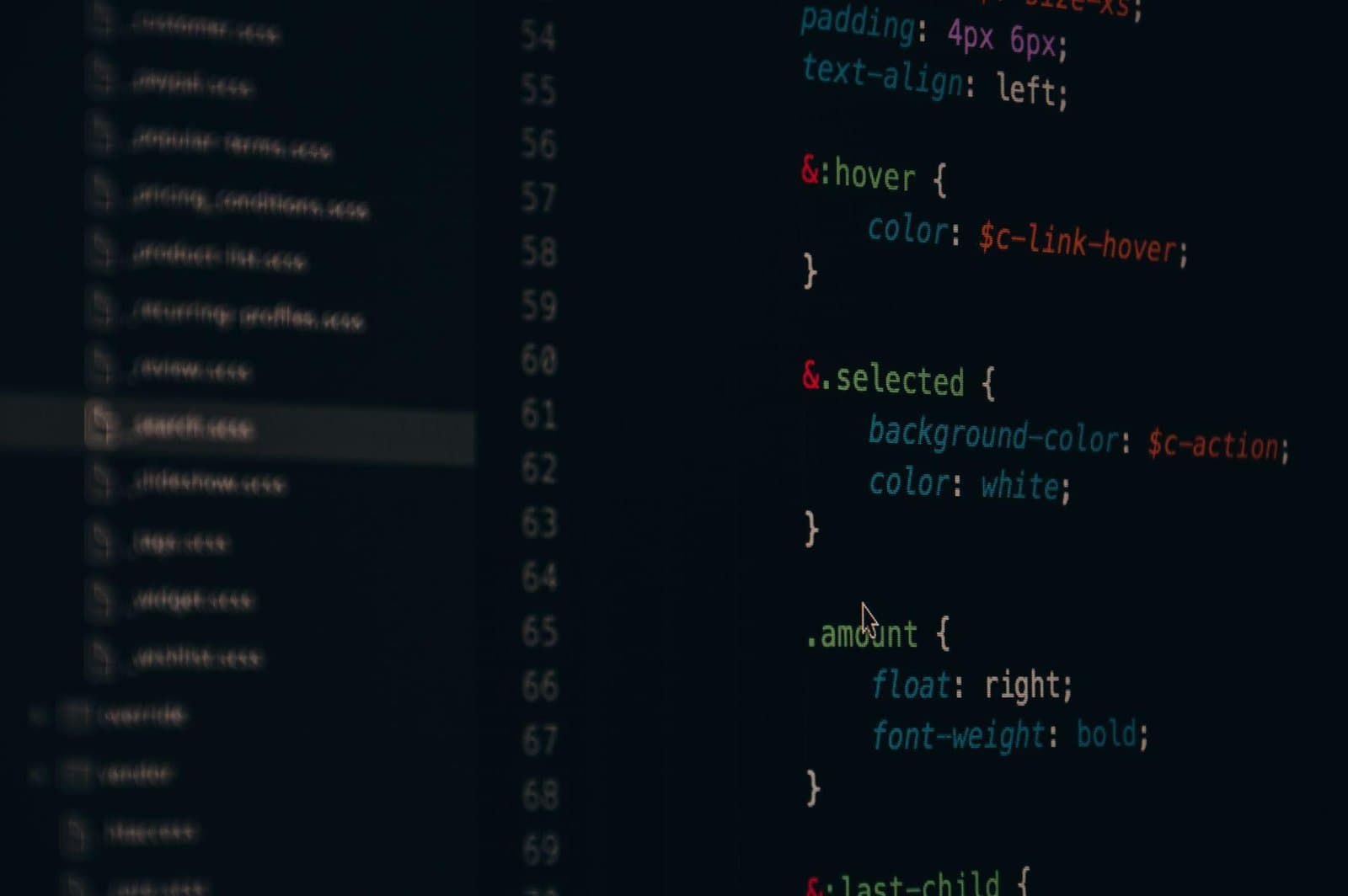
An iframe gives editor content its own document. That isolation is useful because theme styles and admin styles stop colliding so easily, but code that reaches into the parent document may no longer find what it expects. A selector written against document.body, a script that assumes one global stylesheet, or a focus handler attached outside the editor canvas can behave differently.
The risk is highest in bespoke blocks created years ago and rarely revisited. A block that renders correctly on the front end is only half tested. The edit component, inspector controls, media selection, keyboard behavior, and preview styles all need to work inside the isolated editing environment.
Find the blocks that still use API version 2
Start with an inventory instead of opening random pages. Search every custom block.json for its apiVersion. Version 3 has been available for years and is the compatibility target for the iframed editor. Also inventory blocks registered entirely in PHP or JavaScript, because older registration patterns may not have a manifest sitting where you expect.
- List every in-house block and the plugin that owns it.
- Record its API version and whether it has editor-only CSS or JavaScript.
- Find reusable patterns and templates that embed the block.
- Prioritize blocks used in landing pages, forms, pricing tables, and publishing workflows.
Test behavior, not just appearance
A screenshot catches obvious CSS failures but misses the bugs editors remember. Create a test page containing every custom block and exercise insertion, selection, duplication, drag-and-drop, copy and paste, undo, media replacement, sidebar controls, and saving. Test keyboard navigation through interactive controls. Open the browser console and watch for cross-document errors or deprecated APIs.
Then compare the saved markup before and after editing. If merely opening and saving a post produces block validation errors or unexpected serialization changes, stop. Do not “recover” dozens of production blocks until you understand which attribute or markup contract changed.
Look for CSS that escaped its boundaries
Editor styles should target the block, not the entire admin document. Generic selectors such as button, input, or h2 can style WordPress controls when loaded in the wrong context. The opposite failure also occurs: a block may depend on a global theme rule that is not present inside the iframe.
Use a wrapper class generated from the block name and keep editor-specific styles explicit. Confirm fonts, CSS custom properties, icons, and relative asset URLs load inside the editor. If the block imports a third-party stylesheet, verify that it does not assume it owns the page.
Audit scripts for document and window assumptions
JavaScript is where subtle failures hide. Code that queries the top-level DOM, installs global listeners, or calculates positions relative to the browser window may be wrong when the editable canvas is another document. Prefer WordPress component APIs and React refs over broad DOM searches. When direct DOM work is unavoidable, scope it to the block element supplied to your component.
Also test modals, popovers, tooltips, autocomplete menus, and drag handles. These interfaces often use portals or positioning libraries, so an old custom implementation may render behind the iframe, in the wrong coordinate system, or outside the expected focus order.
Build a safe release rehearsal
Run the latest WordPress 7.1 beta or release candidate in staging with production-like content and the same theme and plugins. Give real editors a short script rather than asking whether everything “looks okay.” Include the workflows that publish revenue pages and time-sensitive content. Capture console output and PHP logs while they work.
Keep the production upgrade reversible: take a tested backup, record plugin versions, define the rollback owner, and avoid combining the core update with unrelated plugin releases. If a custom block needs more work, isolate that risk before changing the rest of the site.
The practical move this week
Upgrade one representative custom block to API version 3, test it in the iframed editor, and turn what you learn into a repeatable checklist. Then work through the blocks in business-priority order. The goal is not to chase a version number; it is to remove hidden coupling between your code and an editor behavior that WordPress is retiring.
The official WordPress 7.1 roadmap explains the planned editor change and release timing. Treat the roadmap as a testing signal, then confirm final behavior against the release candidate before shipping.

Written by
Adrian Saycon
A developer with a passion for emerging technologies, Adrian Saycon focuses on transforming the latest tech trends into great, functional products.