The Best Technical SEO Fix Might Be Removing JavaScript


Technical SEO work often begins with crawlers, audit exports, schema validators, and rendering screenshots. Those tools are valuable, but they can distract from a simpler cause: the page asks JavaScript to deliver content and links that the server could have sent immediately.
Removing unnecessary client-side work improves more than crawlability. It can reduce download and execution cost, preserve navigation when a script fails, simplify caching, and make the same content available to assistive technology sooner. The goal is not a JavaScript-free website. It is to spend JavaScript only where interaction earns the cost.
Inspect the initial HTML first
Fetch the page source without running scripts and look for the title, canonical URL, headings, primary copy, product details, and internal links. If those elements appear only after hydration or an API call, indexing depends on a second stage of work. That dependency may be reliable for major crawlers and still create delay, debugging complexity, or inconsistent previews elsewhere.
Compare source HTML with the rendered DOM rather than assuming a framework label tells the whole story. Modern applications can server-render useful content; old websites can hide essential links behind a small script. The delivery decision matters more than the technology’s reputation.
Keep navigation as real links
A crawler and a keyboard user both benefit when navigation uses anchors with meaningful href values. Click handlers attached to divs may imitate movement in one browser while withholding the relationship between pages. Filters and tabs can enhance the experience, but important category and pagination routes should remain addressable.
Check menus, breadcrumbs, related content, product cards, and load-more patterns. If a user cannot copy a destination or open it in a new tab, the implementation probably needs a real link or button with the correct semantic role.
Move public metadata to the server
Public pages should return their title, description, canonical, robots directives, language, and social preview data with the initial response when practical. Client-only metadata creates avoidable uncertainty for link unfurlers, smaller crawlers, and monitoring tools that do not execute the application fully.
Structured data should describe visible content and arrive consistently with it. Moving schema to the server does not excuse inaccurate markup, but it prevents the timing of one bundle from deciding whether a product price or organization identity exists in the response.
Measure the cost of each interactive feature
List scripts by owner and job: navigation, analytics, consent, chat, personalization, sliders, experimentation, or application logic. Record transfer size, main-thread time, network dependencies, and the pages where each script runs. A site-wide bundle for one rarely used widget is an obvious simplification candidate.
Delay features that are not needed for the first task. A chat client can load after consent or interaction. A gallery can initialize when it approaches the viewport. Prefer CSS for simple disclosure and animation when it preserves accessibility. These decisions reduce competition with the content search visitors came to read.
Remove carefully, with fallbacks
JavaScript may support essential validation, account controls, checkout, maps, or complex application state. Removing it without an equivalent path can break the product. Start with a measured inventory, disable one nonessential component in a test environment, and verify analytics, accessibility, and business flows before release.
Third-party tags deserve special attention because the site may not control their updates. Use consent rules, content security policy, tag governance, and regular review to limit what executes. If nobody can explain why a script remains, that is a reason to investigate—not permission to delete blindly.
Let the server send the obvious answer
Re-run a crawl, inspect initial HTML, and compare performance after each simplification. Watch indexed URLs, internal-link discovery, Core Web Vitals, error logs, and conversion paths. A technical SEO change is successful only when the page remains useful to customers as well as easier to understand mechanically.
Technical SEO improves quickly when the page stops making crawlers assemble what the server could have sent. Choose one public template this week and identify the largest script that does not contribute to its first meaningful task.
Watch for rendering differences after release
Server rendering can introduce its own defects when the server and browser produce different markup. Monitor hydration warnings, missing personalized regions, stale caches, and canonical or language tags that vary unexpectedly. Test logged-out public pages from more than one location if edge caching affects the response.
Keep a rendered-page test for the elements search and customers depend on: one primary heading, indexable copy, canonical metadata, internal navigation, and any visible structured facts. A small automated assertion can catch a release that returns an empty application shell even when the HTTP status remains 200.
Preserve progressive enhancement where it fits the product. A form can submit with normal HTML and gain inline validation through JavaScript; a disclosure can remain readable before animation initializes. This approach gives crawlers and users a dependable baseline while allowing richer behavior when the browser supports it.
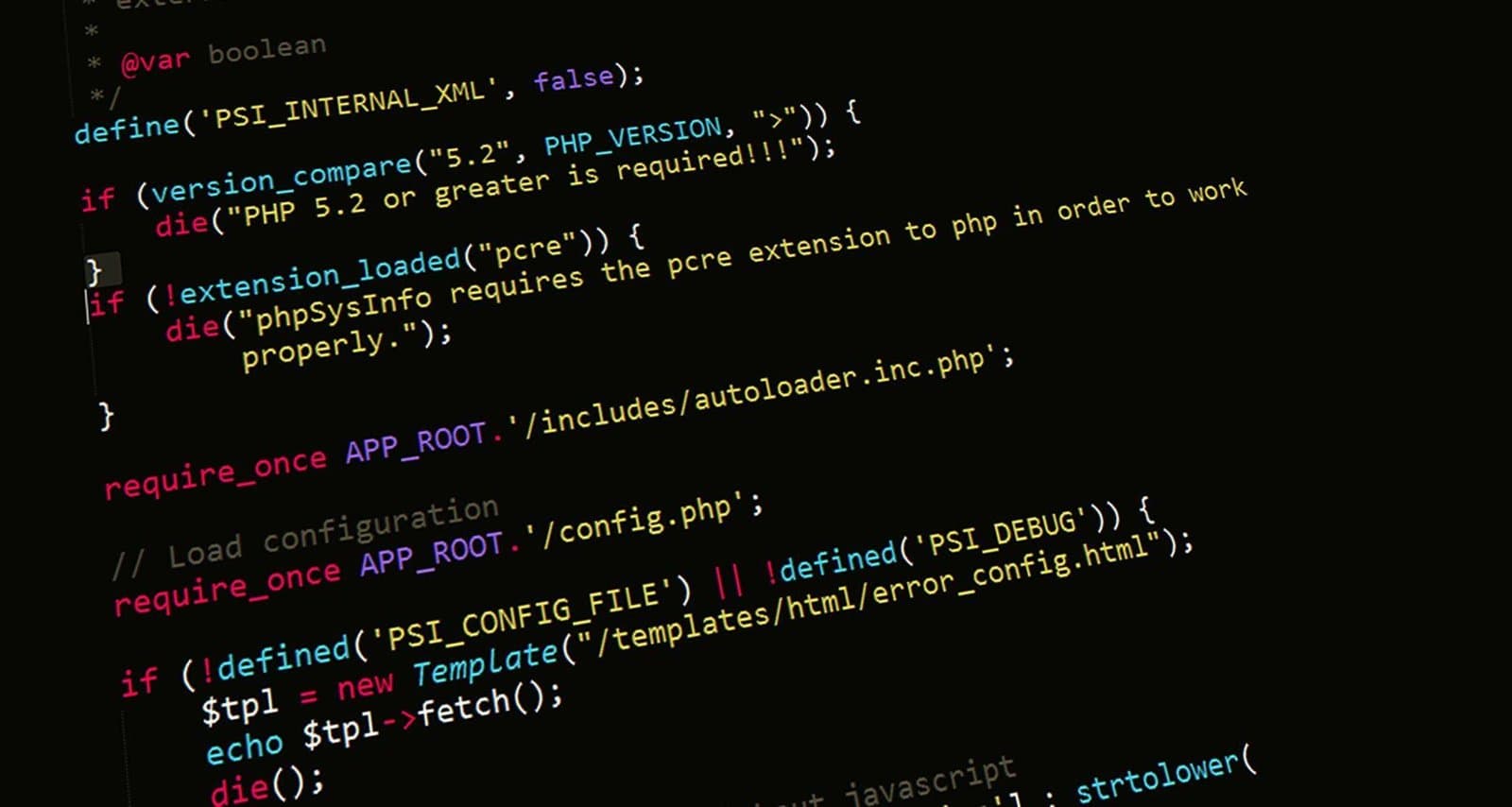
Photo by Markus Spiske on Pexels.

Written by
Adrian Saycon
A developer with a passion for emerging technologies, Adrian Saycon focuses on transforming the latest tech trends into great, functional products.