Launch the Customer Portal Before the Whole Shop


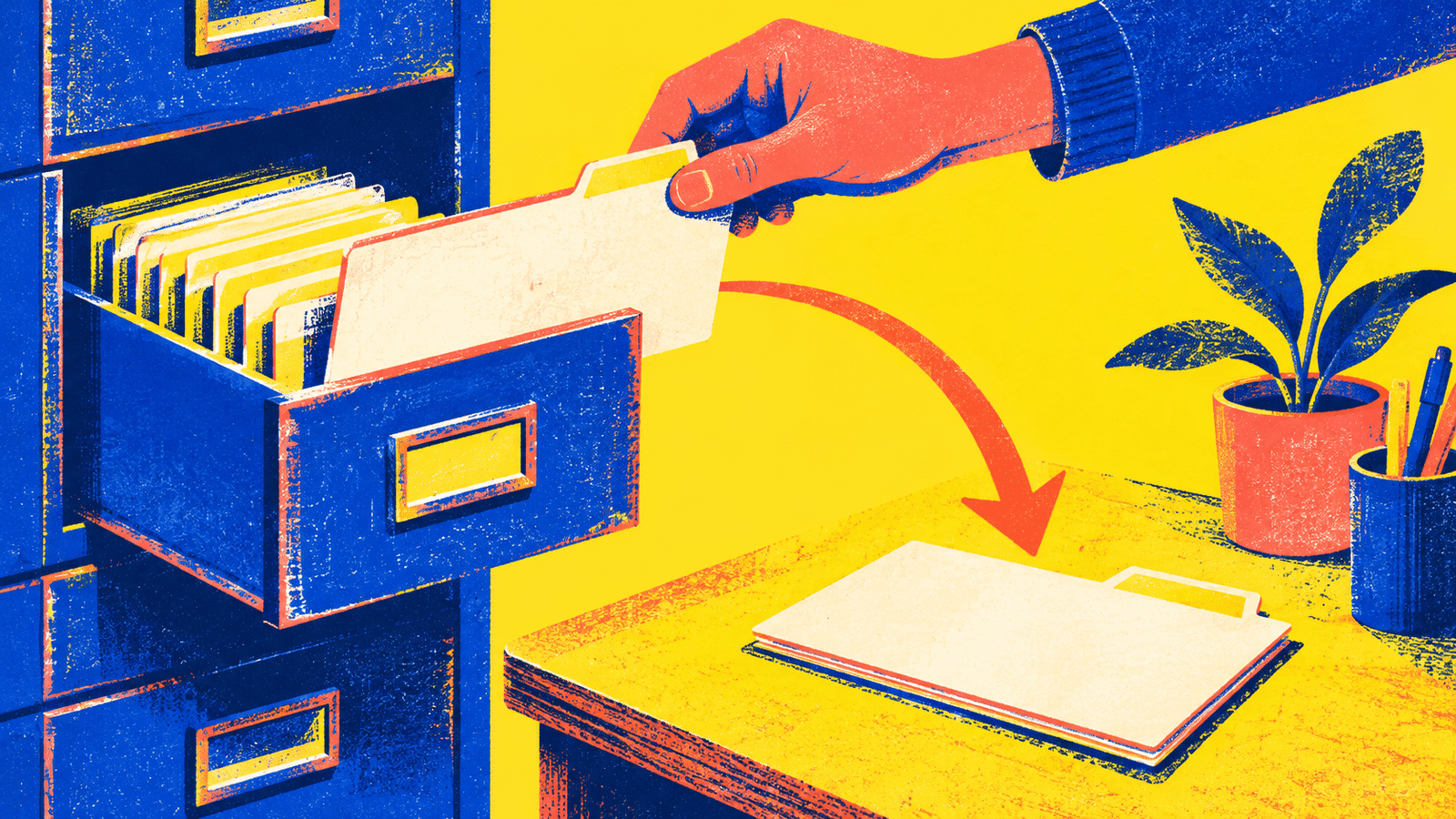
I recently worked on a release where the customer portal and the wider shop were at different stages. Project tracking, assigned services, and support could be reviewed as their own set of tasks. The broader ecommerce features still needed to stay under development.
I kept that split in the app instead of treating the whole system as one launch decision. It’s a useful approach when a business needs one part of a larger project sooner, provided that smaller part can do its job without relying on unfinished work.
Find the customer task that can stand on its own
The portal lets authorized staff assign a project or service to a customer manually. A customer can then see that work and use the support area. Those records don’t depend on an order being completed in the wider shop.
That separation gave the portal a practical purpose of its own. I didn’t need to pretend that the entire commerce system was ready just to make project information available. I also kept the distinction between a work record and proof that someone had paid.
For your business, write the smaller task as a sentence. “An existing customer can see the next step on their project” is something a team can check. “The platform is mostly ready” leaves too many unanswered questions about what someone can actually do.
Draw a clear line around the unfinished parts
In the app, unfinished ecommerce areas keep an under-development state. I worked on locking their navigation while retaining access to the portal and the admin tasks that were still needed. Direct entry also needs appropriate handling; hiding a menu item alone doesn’t stop someone opening an old link.
A smaller release needs a clear answer for those links. Visitors should understand why a feature isn’t available and where they can go instead. Staff need the same explanation so they don’t tell customers that an unfinished section is ready.
This was a decision about the broader shop inside the app. It doesn’t mean every payment-related feature across the business was turned off. Existing package checkout work was separate. Keeping that distinction in the release notes avoids turning a scoped decision into an inaccurate statement about the whole website.
Keep the working parts complete for their audience
A smaller release still needs complete customer tasks. For the portal, that means sign-in, the customer’s own work, understandable project details, support requests, and the rules around replies. It’s not enough to publish an attractive dashboard that leads into unfinished pages.
I included next-step information and milestones in the work view. The support flow separates customer replies from internal notes. Those choices give the customer-facing part a clearer job even while other development continues elsewhere.
Think about a customer who has no active work yet, has an old resolved request, or follows a saved link. These aren’t unusual edge cases for the business. They are ordinary situations that the released part should explain.
Also decide how staff create and maintain those records. A feature can be technically available while nobody has been assigned to keep its information current.
Review the release against a short task list
I keep source changes, test results, and release status distinct. Code being present doesn’t prove a customer can use it on the live system. A useful handover states which version was checked and what the checks actually covered.
For a business review, start with a small set of tasks:
- A customer signs in and sees only their own work.
- They can understand the current next step.
- They can open or reply to an appropriate support request.
- Unfinished areas explain their availability clearly.
- Staff can maintain the records needed for those tasks.
Use safe test accounts and a test environment where appropriate. Check what happens when access is refused as well as when everything goes through. The result should be a clear decision about those tasks, not a general feeling that the app seems finished.
Explain the smaller release without overselling it
Describe what people can do now and what remains planned. Avoid using a broad label such as “new customer platform” if it makes people expect shopping, payments, or other features that aren’t part of the release.
I would rather give someone a short, accurate list than make them discover the limits by clicking around. A release note might explain that project updates and support are available while a separate shop section is still being developed. Use the wording that matches your actual setup.
Keep planned features out of sales promises until their behavior and release timing are agreed. A working portal doesn’t prove that a future subscription or checkout process is ready to sell.
Use the smaller release to decide what comes next
The split leaves the team with a clear set of available tasks to explain to customers. It also makes the unfinished work easier to discuss without mixing it into the current release.
After a smaller release is in use, review the questions customers and staff still have. That evidence can help choose the next improvement. The aim is to release a useful, understandable piece of the system and keep the rest honest about where it stands.

Written by
Adrian Saycon
A developer with a passion for emerging technologies, Adrian Saycon focuses on transforming the latest tech trends into great, functional products.