Headless WordPress, Explained Like You Don’t Care About Code


You’ve probably heard someone mention “headless WordPress” and nod along. Maybe your developer suggested it. Maybe a friend raved about how fast their site got. This post is for you if you want to understand what it actually means — without the jargon — and whether it’s something worth caring about.
Regular WordPress in one sentence
A normal WordPress site uses WordPress for two things: storing your content (posts, pages, images) and showing it to visitors (the theme, the layout, the design). It’s one system doing both jobs.
Headless WordPress in one sentence
A headless setup uses WordPress only for the content, and uses a separate, modern framework to show that content to visitors. The “head” — the visitor-facing part — is removed from WordPress and replaced with something faster.
That’s it. No metaphor stretched beyond its usefulness. Content in one place, display in another, connected by an API.
Why anyone bothers
Three reasons, in rough order of how much they matter:
Speed. Modern frontends built with frameworks like Next.js can be genuinely 4-10x faster than a traditional WordPress site. Not marketing-brochure faster — actually measurably faster in the ways Google cares about. Your pages can load in under a second, even on mobile networks.
Flexibility. Your content can feed more than just your website. The same blog posts can show up in your app, on your partner’s site, in an email newsletter, or in places that don’t exist yet. Because the content is accessed through an API, any system can pull from it.
Security. With headless, the WordPress admin can live behind a password on a server nobody publicly visits. The thing visitors actually hit is a static, hardened site with no database attached. Hackers can’t break into what isn’t there.
Why most sites don’t need it
Headless is more complex to build and maintain. You’re running two systems instead of one, you need deployment pipelines, you need developers who are comfortable with modern JavaScript, and you lose some of WordPress’s “point and click” convenience for things like previewing posts or dropping in a plugin that just works.
If your site gets 2,000 visits a month and loads in three seconds on a decent host, headless is not going to change your business. The complexity is real, and for most small sites, it’s not worth it.
When it starts making sense
Headless becomes worth considering when:
- Your site traffic or business impact justifies the investment in performance
- You want your content on multiple platforms (web, app, partner sites)
- You’re already planning a redesign and it’s a natural time to reconsider architecture
- Your current site is slow and no amount of plugin-tuning is fixing it
- You have unusual design or interactivity needs that a WordPress theme can’t handle cleanly
What to ask before you commit
If someone is pitching you headless, ask them plainly: what problem does this solve for my business? If the answer is “it’s faster” and your current site isn’t slow, that’s not a reason. If the answer is “it’s the modern way to build things,” that’s also not a reason. The right answer connects the architecture to something you actually care about — leads, revenue, a new channel, or solving a real limitation you’re hitting today.
Good developers will tell you when headless isn’t worth it. If yours says “sure, it’s great, let’s do it” without asking what you’re trying to achieve, get a second opinion. The technology is powerful, but it’s not a default. It’s a choice, and the right question is always why.
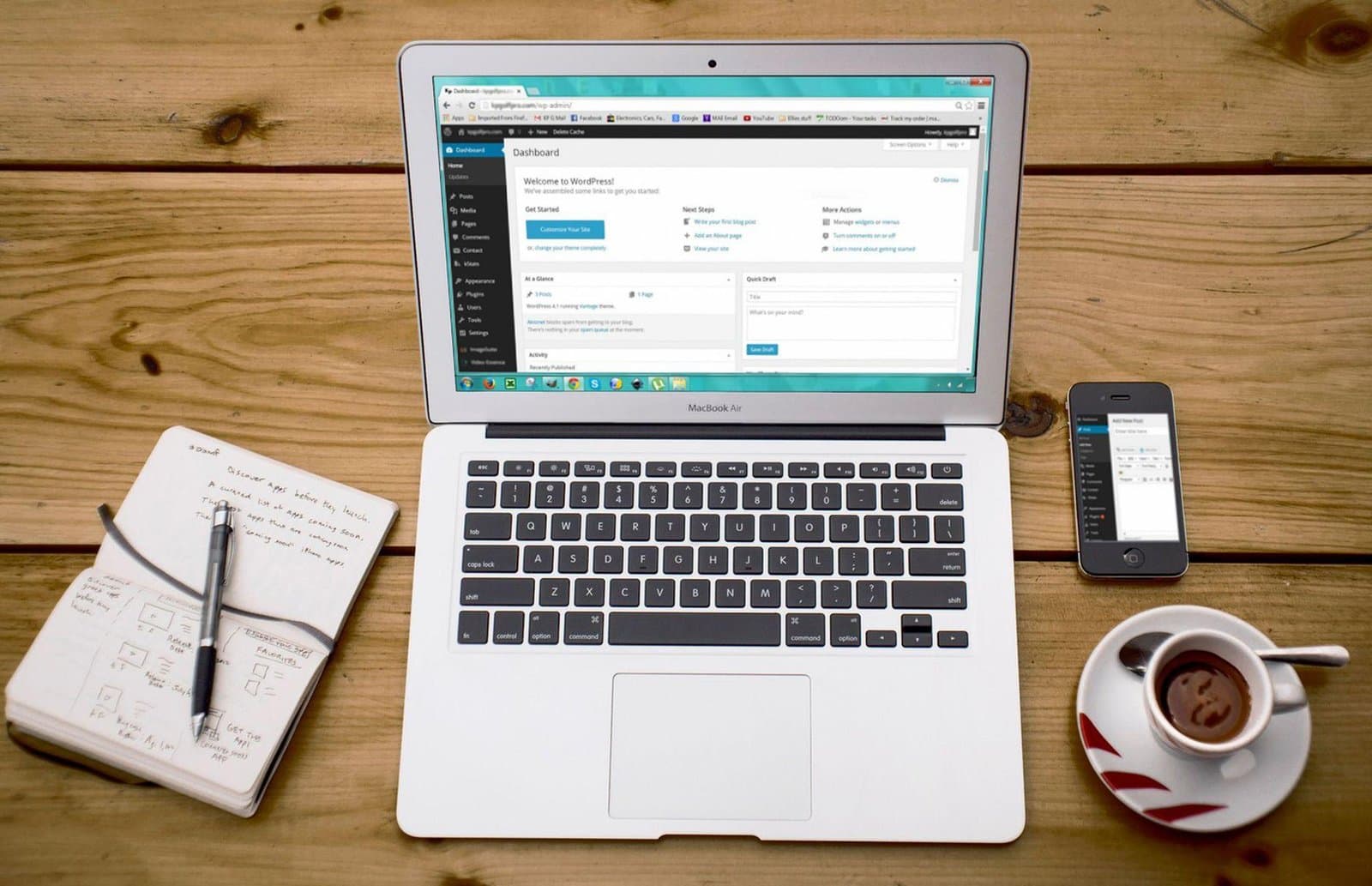
Photo by panumas nikhomkhai on Pexels.

Written by
Adrian Saycon
A developer with a passion for emerging technologies, Adrian Saycon focuses on transforming the latest tech trends into great, functional products.