Consent Banners Should Not Break the Website

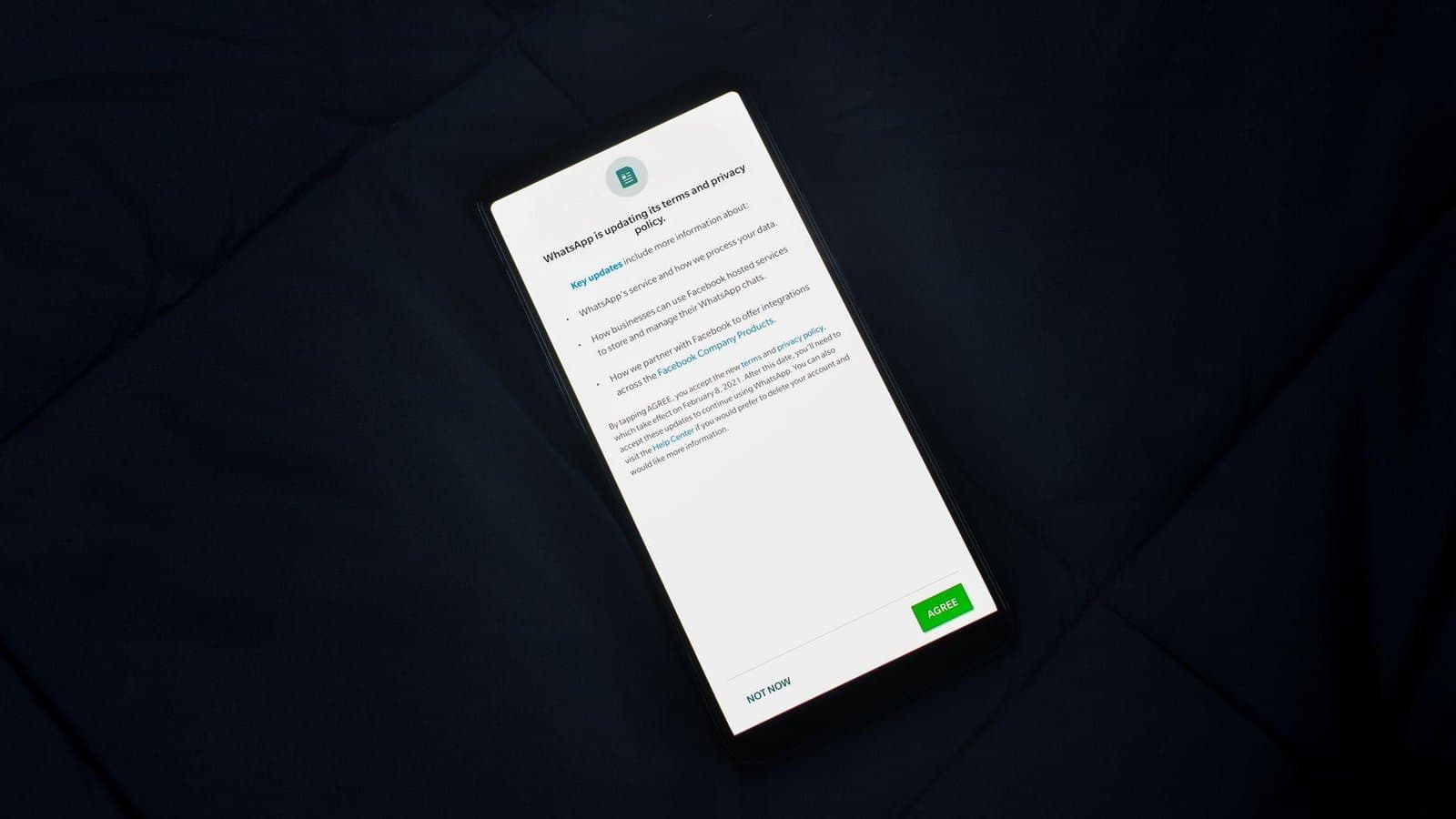
Consent banners are often added late, treated as legal furniture, and forgotten. Then they block content, slow the page, break analytics, trap keyboard focus, or push mobile calls to action below the fold.
A consent tool is still part of the website experience. It needs the same care as any other user-facing component.
The quickest way to make a production-ready consent banner useful is to examine a real decision. Imagine that a mobile visitor must make a privacy choice before reading, buying, or contacting the business. The page or system must now provide enough clarity for the next action, not merely look complete in a review meeting. Following that situation from start to finish reveals missing facts, fragile handoffs, and assumptions that broad advice tends to hide.
Test it like a feature
The banner affects privacy, performance, accessibility, analytics, and trust. It should be tested across devices, browsers, regions, and consent states. The goal is not to make compliance invisible. It is to make it clear and non-destructive.
Bad consent UX can reduce confidence before the visitor reads the page.
- Check keyboard navigation and focus order.
- Measure page weight added by the consent vendor.
- Verify tags respect consent states.
- Make reject and manage options understandable.
- Retest after analytics or ad platform changes.
Privacy is part of brand experience
People notice when a site handles consent honestly and calmly. They also notice when it feels like a trap.
A consent banner should protect the business without making the website worse.
Exercise Every Consent State on Mobile
Walk through this case exactly as the visitor would, noting the first assumption, the information available, and the point where a decision is made. The central danger is that the banner blocks controls, traps focus, loads excessive code, or fires tags before the recorded choice. Capture the page, response, or system state at that moment. Then change one important variable—device, query, account state, network, input, or source record—and repeat it. This produces a compact test of a production-ready consent banner that reflects ordinary variation rather than an ideal demonstration.
Verify Tag Behavior and Keyboard Access Together
Measure the outcome with signals that fit the decision: correct tag behavior for every consent state, keyboard usability, stable layouts, and understandable choices. Take a baseline before changing the site and retain the segment or test conditions used. Numbers alone will not explain motive, so pair them with direct inspection of the affected page or record. The useful result is a traceable connection between a change in a production-ready consent banner and a better journey, not a dashboard movement that could have several unrelated causes.
Share Ownership Between Privacy and Implementation
Put ongoing responsibility with the privacy owner with implementation support from analytics, development, and design. That owner should control the definition of acceptable behavior, know who can implement a correction, and retain the evidence from the last review. Contributors may span several disciplines, but the decision cannot live in a shared inbox. Add review triggers tied to relevant releases and business changes so a production-ready consent banner is revisited when its inputs move, not months after users notice the drift.
Fix Blocked Tasks Before Styling the Banner
Prioritize the gap with the greatest consequence for access, revenue, security, or trust—especially the point where the banner blocks controls, traps focus, loads excessive code, or fires tags before the recorded choice. Correct the smallest cause that restores the complete journey, then repeat the test under a neighboring condition. Check the downstream handoff as well as the visible response. A production-ready consent banner change is complete only when the intended outcome works and the team can recognize the same regression later.
Pair Interface QA With Qualified Compliance Advice
Keep the boundary honest: Legal requirements vary by region and processing purpose, so interface testing does not replace qualified compliance advice. Write that limitation into the decision so future teams do not treat a useful tactic as a guarantee. The next practical step is to rerun the defined journey, fix its clearest gap, and retain the evidence. That gives a production-ready consent banner a durable place in website maintenance without inflating it into a solution for every content, product, or business problem.
Implementation Checklist: Consent Banners Should Not Break the Website
Turn the guidance into a short working sequence. First, check keyboard navigation and focus order. Next, measure page weight added by the consent vendor, and then verify tags respect consent states. Once those foundations are visible, make reject and manage options understandable and retest after analytics or ad platform changes. Keep a note beside each step describing the page, account, record, or interaction checked. The sequence is intentionally small enough to finish, but broad enough to reveal whether the issue belongs to content, implementation, data, or ownership.
The purpose is not checklist completion for its own sake. Cookie and consent tools need performance, accessibility, analytics, and UX review before they go live. For this Privacy decision, discuss the findings with the person who owns the downstream result and choose one correction that can be retested. Keep Consent, Analytics, Compliance as search and filing labels, not substitutes for the evidence itself. The review is successful when somebody can explain what changed, why it mattered, and what event should trigger another look.
Photo by Rahul Shah on Pexels.

Written by
Adrian Saycon
A developer with a passion for emerging technologies, Adrian Saycon focuses on transforming the latest tech trends into great, functional products.