AI Chat on Your Website Needs Data Boundaries

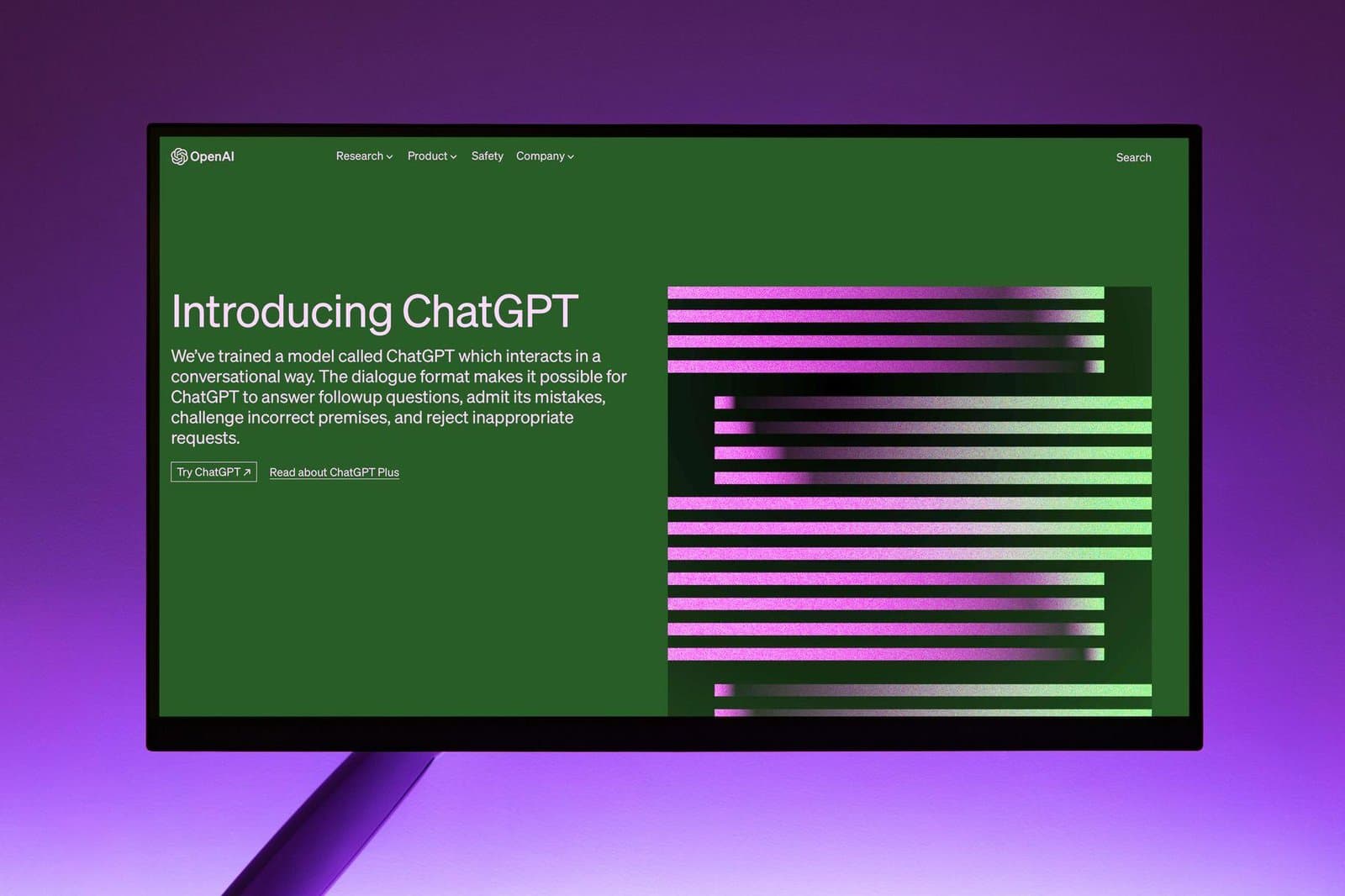
AI chat can be useful on a website when it answers common questions, routes visitors, and reduces support load. It becomes risky when it guesses, overpromises, exposes information, or speaks beyond what the business can support.
The difference is boundaries.
Define what the bot is allowed to know
A website assistant should be grounded in approved sources: service pages, documentation, policies, pricing rules, support articles, and carefully selected internal data. It should also know when not to answer.
For businesses, the key question is not whether the bot sounds smart. It is whether the bot is trustworthy.
Practical boundaries
- Limit answers to approved knowledge sources.
- Escalate sales, legal, billing, and sensitive support cases.
- Log conversations with privacy rules in mind.
- Make it clear when users are speaking to AI.
- Review failed or uncertain answers regularly.
AI chat should extend your service process, not invent a new one in public.
Define approved knowledge, actions, and escalation
A useful policy for website AI assistant starts by answering the approved knowledge, permitted actions, sensitive data, escalation rules, and retention policy for the assistant. Policies turn recurring judgment into a dependable default while leaving room for documented exceptions. Name who can approve those exceptions and for how long.
A common failure occurs when a fluent bot invents prices or policy, exposes cross-customer context, accepts prompt injection, or takes an action without adequate confirmation. Without that policy, each urgent request creates a new precedent. The system accumulates inconsistent behavior that is difficult to test, explain, or reverse, even when every individual choice once seemed reasonable.
Separate order-status help from consequential actions
A support assistant may answer from published documentation and retrieve the signed-in user’s order status through an authorized tool. Refunds, account changes, legal questions, and low-confidence answers transfer to a person.
Apply the proposed policy to the example and one contrasting case. Ensure the first checkpoint (“Create an allowlist of sources and keep ownership visible”) is an explicit default, then ask who may override the second checkpoint (“Enforce authorization in tools and data services, not in prompts alone”). If the answer depends on private knowledge, the policy is not operational yet.
Enforce boundaries outside the prompt
For the website AI assistant rollout, encode the policy gradually through this implementation sequence:
- Create an allowlist of sources and keep ownership visible.
- Enforce authorization in tools and data services, not in prompts alone.
- Minimize conversation data and redact sensitive logs.
- Require confirmation for consequential actions.
- Evaluate groundedness, refusal, injection resistance, and escalation regularly.
Within the website AI assistant implementation, document exceptions alongside their expiry and rationale. Reviewers need to distinguish intentional variation from accidental drift. Where possible, make the supported default easiest to use and the exceptional path visibly accountable.
Measure unsupported answers and safe handoffs
Review correct resolution, unsupported claims, escalation quality, tool errors, sensitive-data incidents, user feedback, and repeated unanswered questions that documentation should address. Track the result of defaults and exceptions separately. Overall averages can hide that a small exception path causes most incidents or support work. Revisit rules when their original assumptions no longer hold.
Retrieval and instructions reduce hallucination but do not eliminate it. High-stakes advice and irreversible actions need tighter controls or no automated answer at all. Preserve the reason for this constraint so later maintainers do not remove it as apparent inconvenience.
Audit a sample of website AI assistant decisions after release. Confirm that the first checkpoint (“Create an allowlist of sources and keep ownership visible”) remains the common path and inspect every override affecting the second checkpoint (“Enforce authorization in tools and data services, not in prompts alone”). Look for exceptions that have silently become permanent.
Either promote repeated exceptions into a tested rule or remove them. Add the third checkpoint (“Minimize conversation data and redact sensitive logs”) to the policy review and give the review a calendar date rather than a vague future promise.
Turn “Require confirmation for consequential actions” and “Evaluate groundedness, refusal, injection resistance, and escalation regularly” into review questions rather than one-time launch tasks. Sample a recent case, verify the evidence, and have the responsible owner explain the fallback. Where the answer relies on memory, add a test or concise instruction that keeps the website AI assistant operable.
Choose a review cadence that matches the rate of change. A stable public page may need a seasonal check, while authentication or payment behavior deserves closer observation after every release. For the website AI assistant, base the cadence on consequence and evidence rather than habit. Give each review a small agenda: sample recent outcomes, inspect exceptions, verify ownership, and choose one action. Cancel reports that never change a decision. A short review with authority is more valuable than a large dashboard that everyone assumes somebody else monitors.
Next step: Write a one-page boundary document describing what the assistant can know, do, store, and escalate before adding another capability.
Photo by Andrew Neel on Pexels.

Written by
Adrian Saycon
A developer with a passion for emerging technologies, Adrian Saycon focuses on transforming the latest tech trends into great, functional products.